
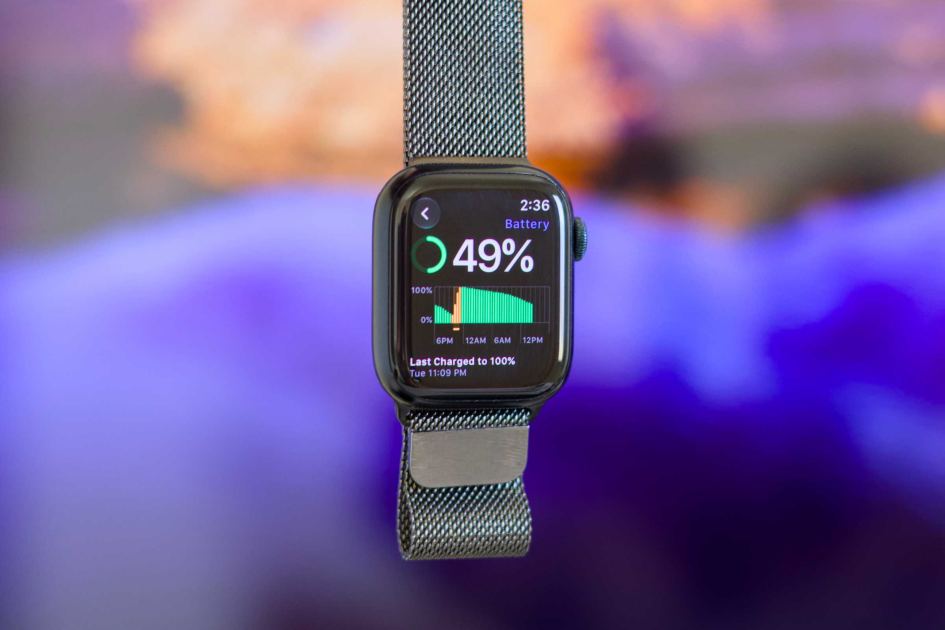
Macworld The Apple Watch can vibrate to let you now about a notification. But you might find that the vibration isn’t strong enough for you to notice. Or, you might want to disable vibrations completely. Apple offers three vibration settings: Off, Standard, and Distinct. If you’ve bought an Apple Watch and never changed this setting, Standard is the default. There are two ways to adjust it: directly on your Apple Watch or in the Watch app on your paired iPhone. To adjust the vibration on the Apple Watch, go to Settings > Sounds & Haptics > Haptics. To adjust the Apple Watch vibration in the Watch app on your iPhone, open the Watch app and got to My Watch > Sounds & Haptics > Haptics. Select the option you want from the list there. Off turns off vibration for notifications completely. Standard makes the Apple Watch vibrate twice. Distinctive makes it vibrate once for a long time and then twice briefly. This setting only adju
UPVOTERS
Community appreciation
See who found this content valuable and showed their support.
No upvotes yet.
Be the first to show your appreciation for this content.
TOPICS
Explore the same topics
Discover more content from the topics this post is mapped to.
Keep browsing
Explore more from this topic
Dive into the full feed of curated posts covering this category.
Discussion
Break the silence
Take the opportunity to kick things off.