
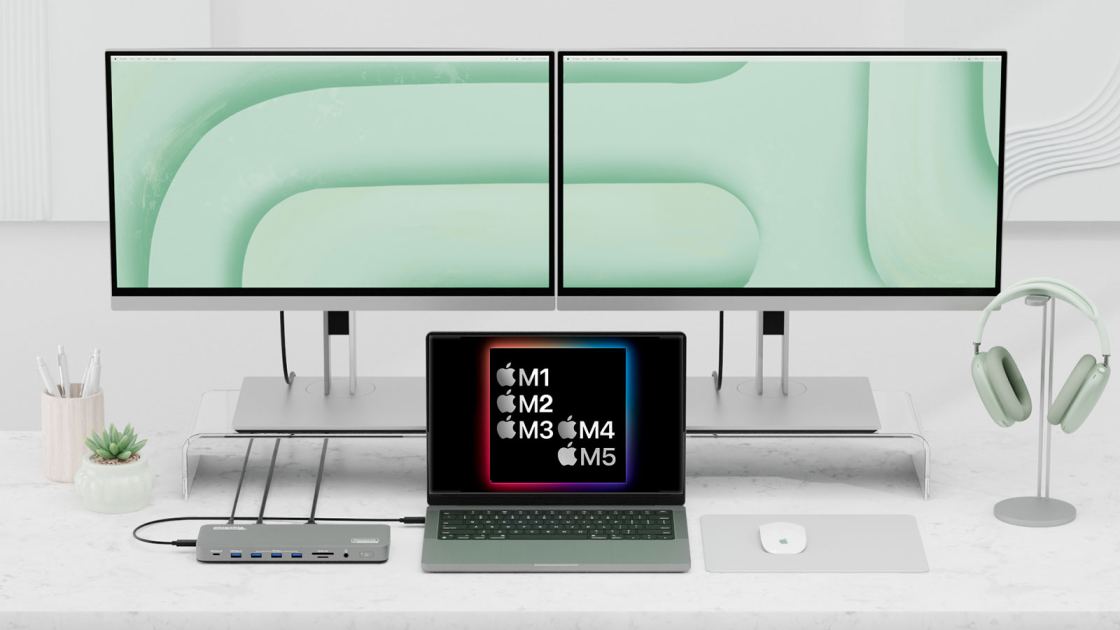
Macworld While the higher-end MacBooks with M1/M2/M3/M4/M5 Pro and Max chips support multiple external displays, Apple’s lower-end range of MacBooks that use a standard M1 and M2 processor cannot natively connect more than one external monitor, and to do so the M3 has to have its lid closed. The MacBook Neo is also limited to just one external monitor. This is a massive limitation for these entry-level Macs: M1 MacBook, M2 MacBook and MacBook Neo. Apple’s M3 MacBook Air models do support two external monitors but only if the MacBook has its lid closed in what is known as Clamshell Mode. The M3 MacBook Pro supports a similar feature if at least the macOS Sonoma 14.6 update is installed. We explain how to run dual external displays on an M3 MacBook in a separate article. Who will these Mac external monitor tips help? • If your Mac has a plain (non-Pro or non-Max) M1 or M2 chip, or is the MacBook Neo, it is limited to using just one external monitor unless you follo
UPVOTERS
Community appreciation
See who found this content valuable and showed their support.
No upvotes yet.
Be the first to show your appreciation for this content.
TOPICS
Explore the same topics
Discover more content from the topics this post is mapped to.
Keep browsing
Explore more from this topic
Dive into the full feed of curated posts covering this category.
Discussion
Get the discussion rolling
A single comment can start something great.