
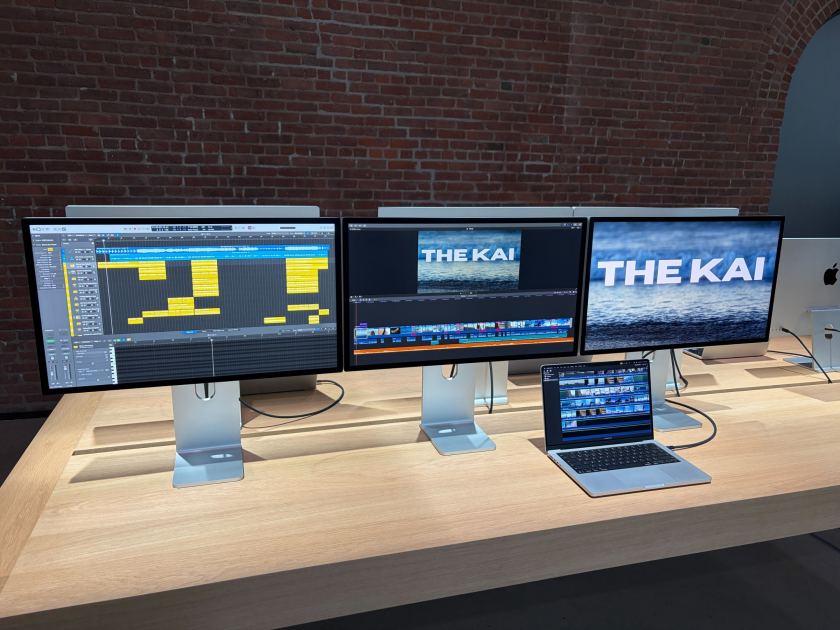
Macworld Apple still doesn’t support Multi-Stream Transport (MST) on macOS, but with the new M5 Pro and M5 Max chips, that limitation matters far less. For the first time, high-end MacBooks can drive three or even four external displays from a single Thunderbolt connection, up from a long-standing limit of two, bringing them closer to the multi-monitor setups long associated with Windows machines. This matters most for power users who rely on multiple screens, such as developers and creatives, especially those using Thunderbolt docks to simplify their desk setups. In practice, it means fewer cables, less reliance on DisplayLink and other workarounds, and the ability to run larger multi-screen workspaces from a single connection. This article explains what’s changed, how these new display capabilities work in practice, and what it means for anyone using, or considering, a Thunderbolt dock or multi-screen setup with a Mac. How many displays are supported over one cabl
UPVOTERS
Community appreciation
See who found this content valuable and showed their support.
No upvotes yet.
Be the first to show your appreciation for this content.
TOPICS
Explore the same topics
Discover more content from the topics this post is mapped to.
Keep browsing
Explore more from this topic
Dive into the full feed of curated posts covering this category.
Discussion
Break the silence
Take the opportunity to kick things off.