
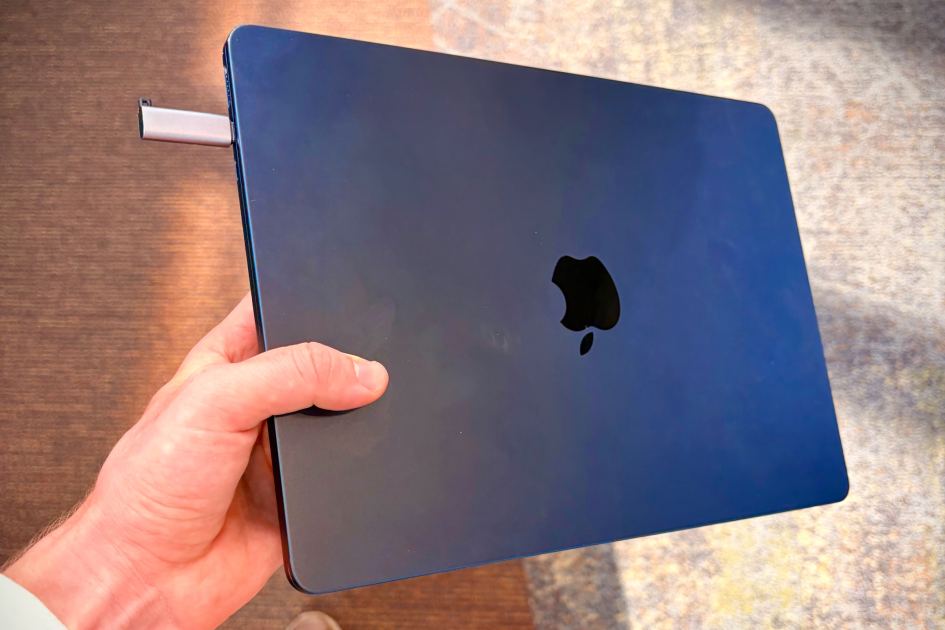
Macworld If you’ve decided to fully immerse yourself in AI development, then you’ve probably noticed how resource-demanding it is. Like, your Mac can never sleep because you need to keep your AI agents running. So, what do you do if you’re using a MacBook and you need to move from one spot to another? You can do what I do and walk around with an open MacBook. (I’m not even doing AI development, I just don’t want to wait the 1.5 seconds it takes to wake a sleeping Mac.) Or you can do what developer Will DePue suggests on X, and you can use a dummy display plug that tricks your MacBook into thinking it’s connected to an external display, thus putting your MacBook in clamshell mode and keeping it running. DePue points out that you can find these plugs for both USB-C and HDMI at online retailers. In addition to NewEgg and Adafruit, you can find a four-pack of UGreen HDMI dummy adapters on Amazon for nine bucks. Tired of holding your laptop half open to keep your ag
UPVOTERS
Community appreciation
See who found this content valuable and showed their support.
No upvotes yet.
Be the first to show your appreciation for this content.
TOPICS
Explore the same topics
Discover more content from the topics this post is mapped to.
Keep browsing
Explore more from this topic
Dive into the full feed of curated posts covering this category.
Discussion
Get the discussion rolling
A single comment can start something great.