
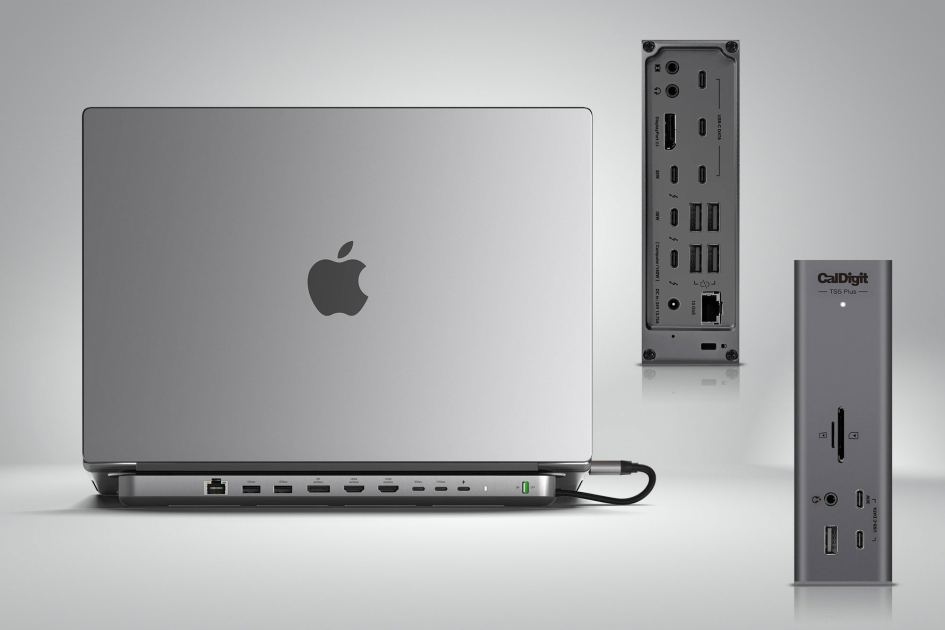
Macworld Plug your MacBook in and out of a multi-port laptop docking station to swiftly add multiple devices and external displays with just one cable connection to your laptop. We tested the top contenders to find the best Thunderbolt and USB-C docks available to owners of the MacBook Air and MacBook Pro. Thunderbolt, USB4 or USB-C The connectors all look the same (technically known as a “Type-C connector”), but there are significant differences, particularly on speed that will determine both data-transfer rate and higher external display refresh rates. USB-C: 5Gbps or 10Gbps USB4: 20Gbps or 40Gbps Thunderbolt 3 and 4: 40Gbps Thunderbolt 5: 80Gbps / 120Gbps Our list Which ports does my MacBook have will show you how many USB-C or more likely one of Thunderbolt 3, 4 or 5 that you have. While an older Thunderbolt 3 (TB3) dock will be enough for most casual users, if you can stretch the budget go for a TB4 or TB5 dock as they will remain current for ye
UPVOTERS
Community appreciation
See who found this content valuable and showed their support.
No upvotes yet.
Be the first to show your appreciation for this content.
TOPICS
Explore the same topics
Discover more content from the topics this post is mapped to.
Keep browsing
Explore more from this topic
Dive into the full feed of curated posts covering this category.
Discussion
Get the discussion rolling
A single comment can start something great.